Grand Theft Auto V: The Manual for Android

All the options
FORTNITE FOR ANDROID
A new view
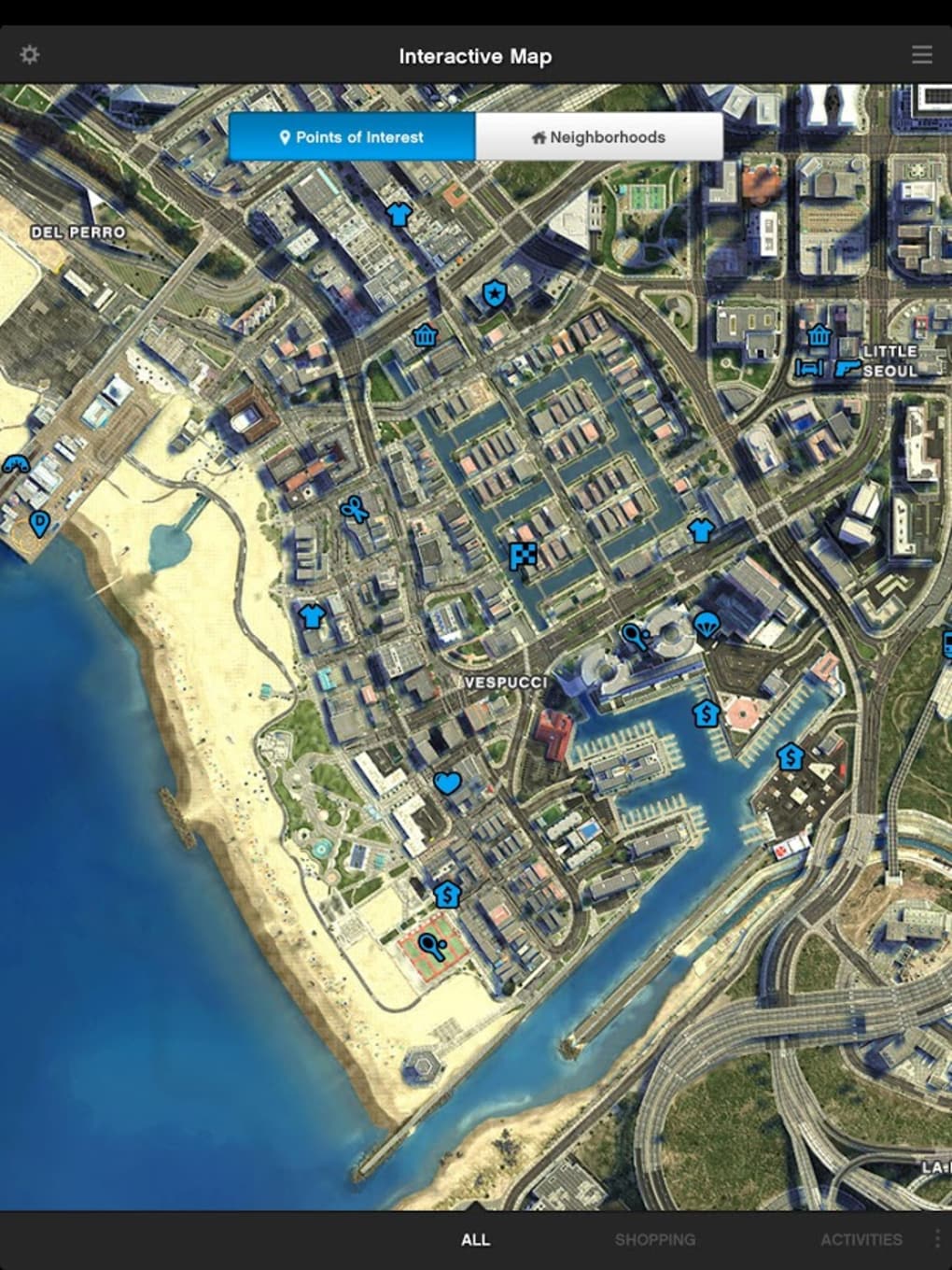
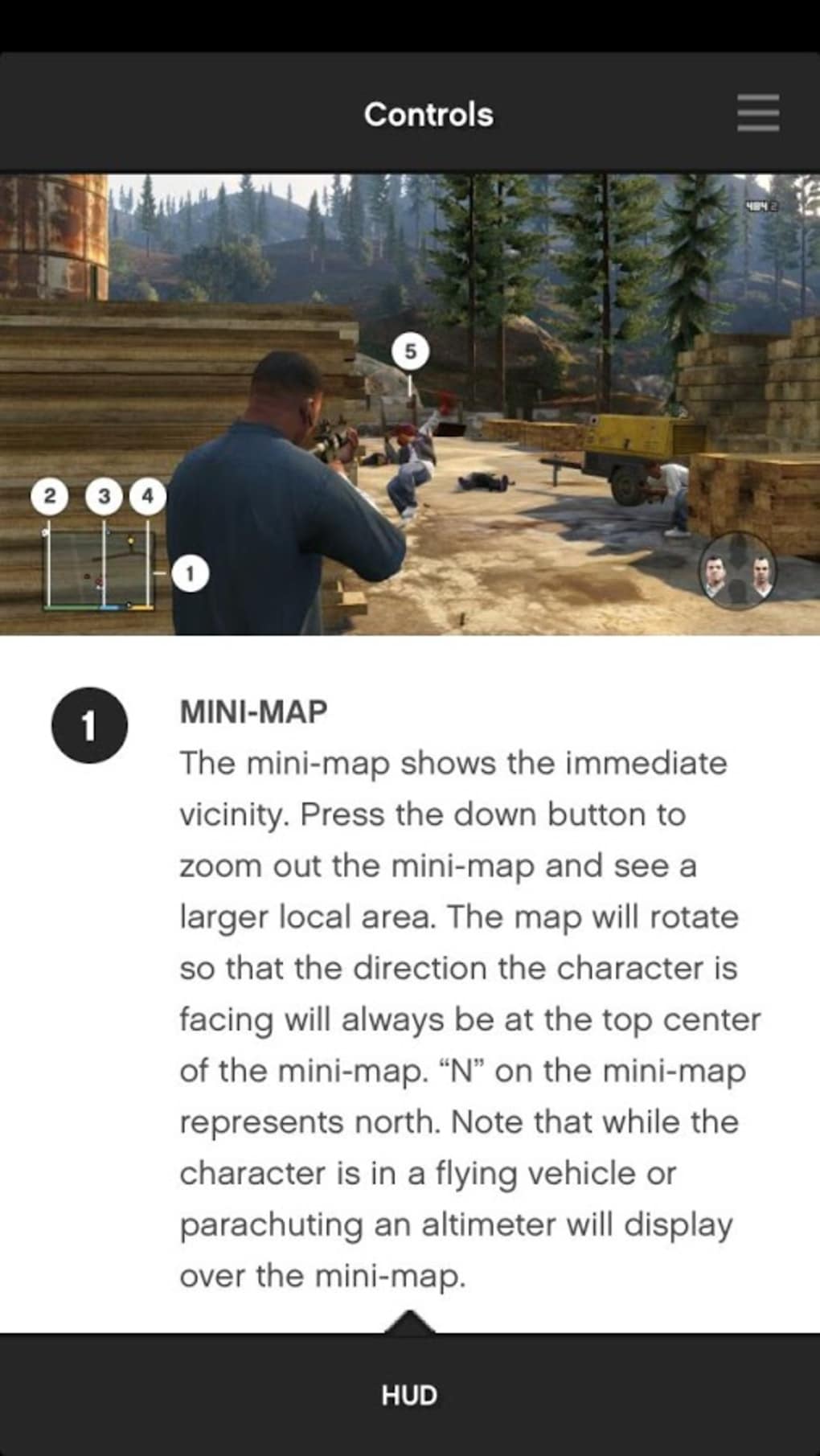
Bringing up the control page, you are able to handily pick between default options (such as driving or on foot) from a drop down menu, but other than that it makes no use of its digital format. You can’t press a virtual digital button and bring up all possible commands tied to it, or search for a specific task and have its inputs presented. It’s a half step that is made redundant by the existence of the physical manual. The one interesting and useful element of the GTA V: The Manual is in the map. Here you can switch between three different views
- atlas, satellite, and road - to give you a clear view of the world.
You can also filter activities and points of interest. It may not be
necessary, but it is the one element of the app that really feels like
it adds something.
The one interesting and useful element of the GTA V: The Manual is in the map. Here you can switch between three different views
- atlas, satellite, and road - to give you a clear view of the world.
You can also filter activities and points of interest. It may not be
necessary, but it is the one element of the app that really feels like
it adds something. Ulitmatly pointless
Grand Theft Auto V: The Manual makes a lot of sense for those who bought the game digitally, as it saves them exiting it to access the digital manual. Really though, thanks to a good tutorial and a well laid out interface in the game, this app feels a little superfluous.