Fortnite Battle Royale for Android

Rejoice, mobile gamers! The long-awaited-but-still-hot, free, and fun Fortnite: Battle Royale is now available on Android devices. Download the app directly from Softonic’s website! And while you’re waiting for the installation to finish, here’s a helpful review.
The Setting
Epic Games’ Fortnite: Battle Royale for Android is by nearly all comparisons identical to the IOS release, which is itself a faithful mobile mirror of the console and PC/Mac title. Players find themselves air-bus-dropped onto an island with distinct sections and buildings, and must scramble to find weapons, gadgets, and resources that will help them to survive and dominate their fellow players. Three modes are available: Solo, which allows you to take on up to 99 other players; Cooperative, where you group with three others for some violent team-building exercises; and 50 vs 50, which is a massive territory war of base-building and firefights.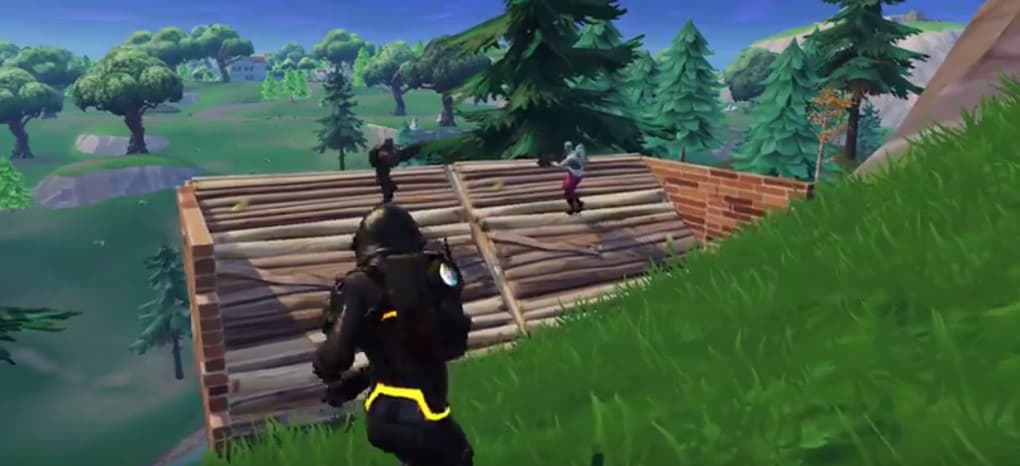
The Gameplay
Fortnite:
Battle Royale for Android plays much like its IOS counterpart, sharing
the same interface options and overall playstyle. While it may not match
the graphic capabilities of a larger machine, the mobile version is
pretty enough and powerful enough to render on near the same level at a
reasonable resolution. 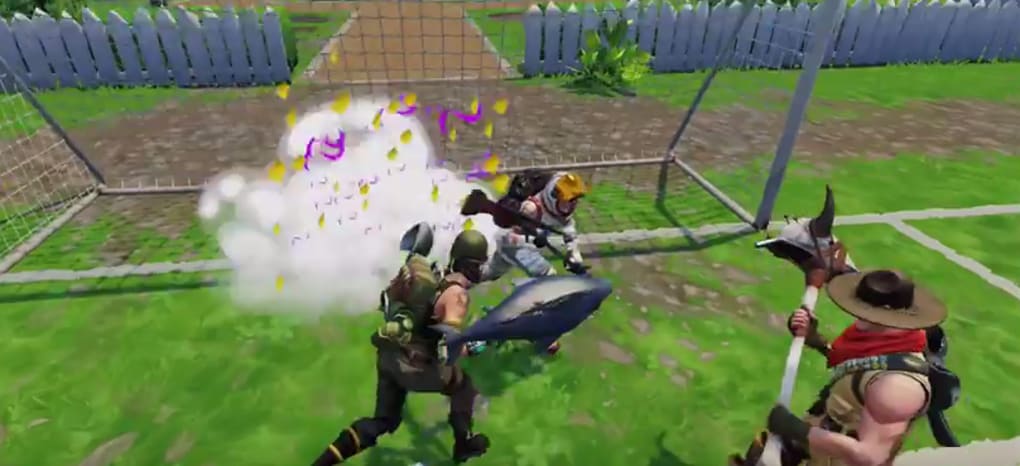
Players use a
digital joystick on the bottom-left corner of the screen to move,
dragging in the main screen to aim, and tapping to fire. Alternate
configurations also allow dedicated on-screen buttons for the firing
function. Buttons for crouch, jump, and to toggle between building and
combat mode are all intuitively located, and the player never needs to
stretch their fingers too far to hit a button they need to.
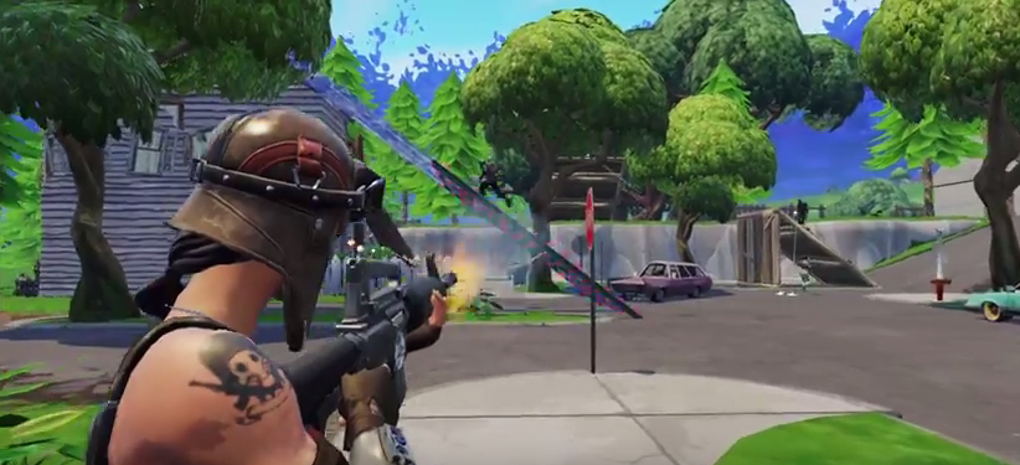
If you’ve not played Battle Royale on IOS, you’ll find it surprisingly easy to move around and engage with the environment.
Moving over any item will pick it up if you have room, and doors will
auto-open when you run into them. If you have an item in your inventory
you don’t want, just click and drag it away to make space. Everything in
the environment that you can interact with will have a touch-button pop
up when you get close, minimizing any frustration of knowing just where
on the screen to hit.
handheld device.


